Inirv / Ome
Designing the mobile companion for Inirv’s connected smart stove knob, so a familiar physical control could work naturally in a connected home.

Inirv, later OME, was a small startup developing an IoT smart stove knob. The hardware brought connectivity to one of the most familiar objects in a kitchen, but the app needed to make setup and everyday use feel just as understandable as turning a physical knob.
The company had a working design when I joined. I worked directly with the CEO and CTO to update it into a more complete mobile experience, covering onboarding, device setup, the stove dashboard, and individual knob controls.
Product and UX Direction
iOS Mobile App UX/UI Design
Device Setup and Onboarding
Stove and Knob Management
Interaction Design and Visual System
Interactive Prototyping
Scope
Role & Ownership
I was the Lead Product Designer, responsible for the UX, UI, and prototype. Working directly with the CEO and CTO, I updated the product direction for the connected-knob experience and designed the flow from first use through day-to-day control.
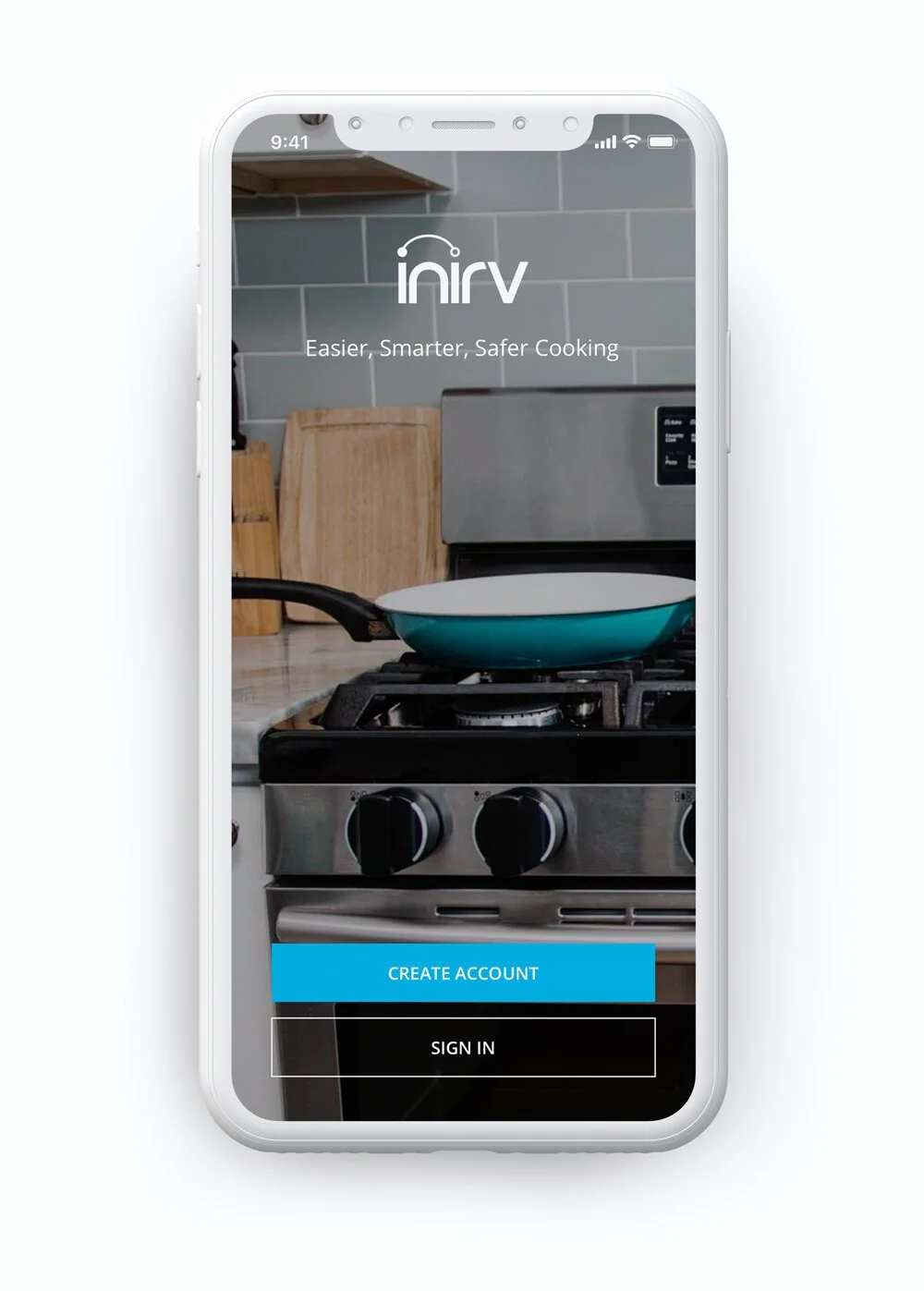
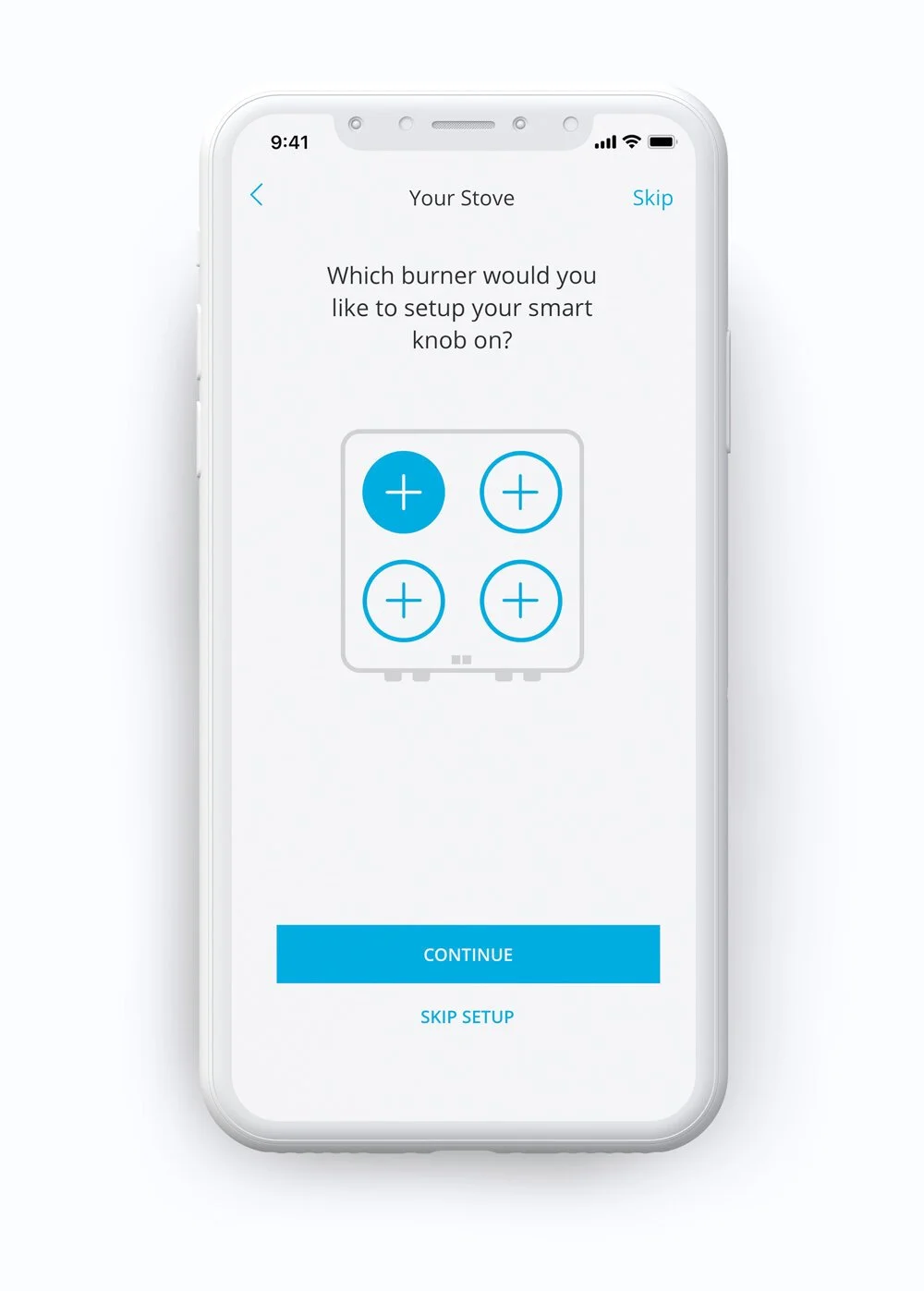
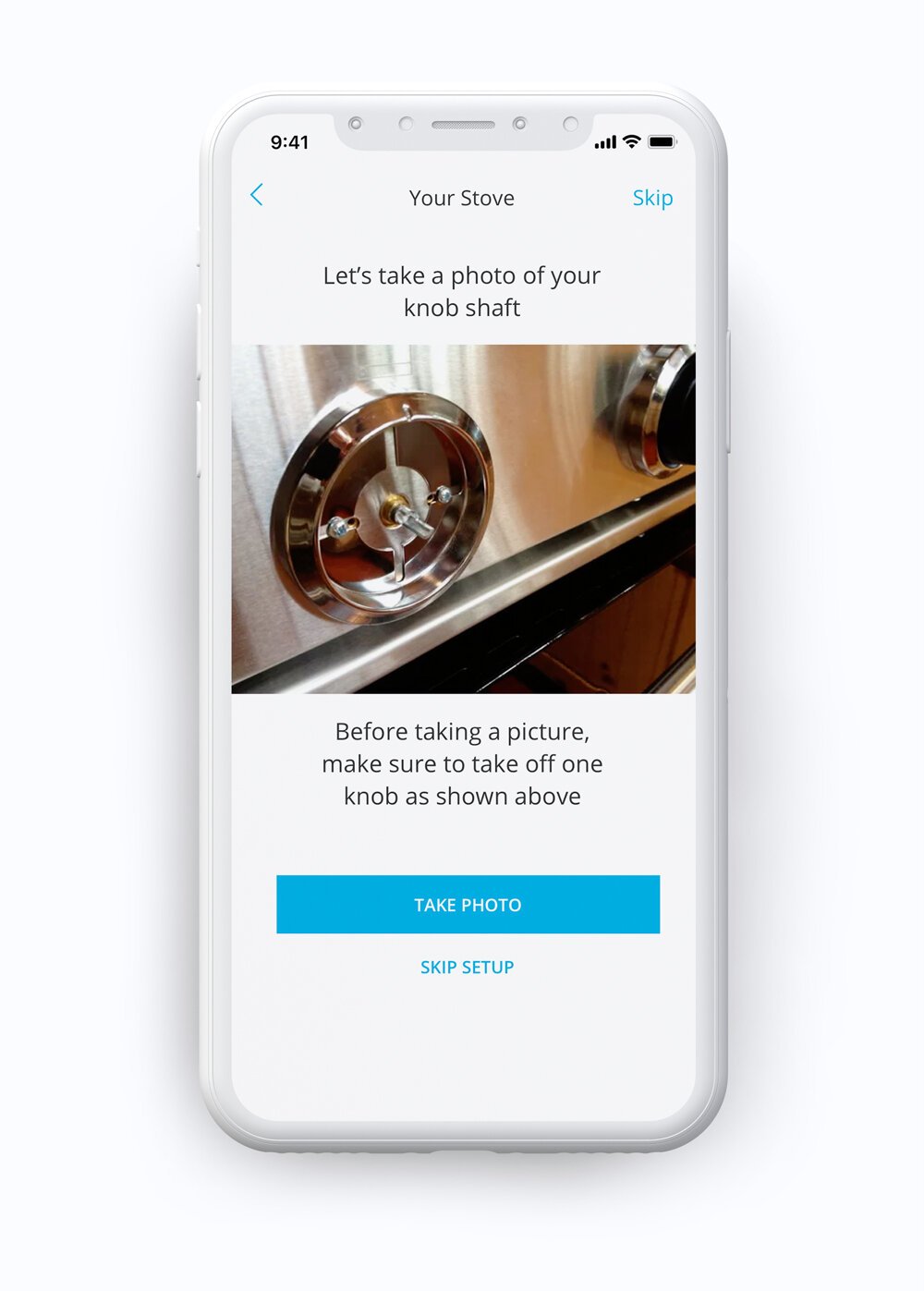
The work covered account setup, stove configuration, burner and fuel-type selection, photographing a physical knob, assigning it to a burner, Wi-Fi connection, the multi-knob dashboard, individual knob states, safety controls, and device settings.
The Real Problem
A stove knob is simple because it is physical. You can see the position, turn it, and immediately understand what it controls. The app had to add the benefits of a connected product without losing that sense of familiarity.
Setup was the harder part. A homeowner needed to connect multiple knobs to a specific stove, match each knob to the correct burner, get the device on Wi-Fi, and then manage everything from a single view. The experience needed to make that process clear without treating the kitchen like a generic collection of devices.
What Changed / Outcome
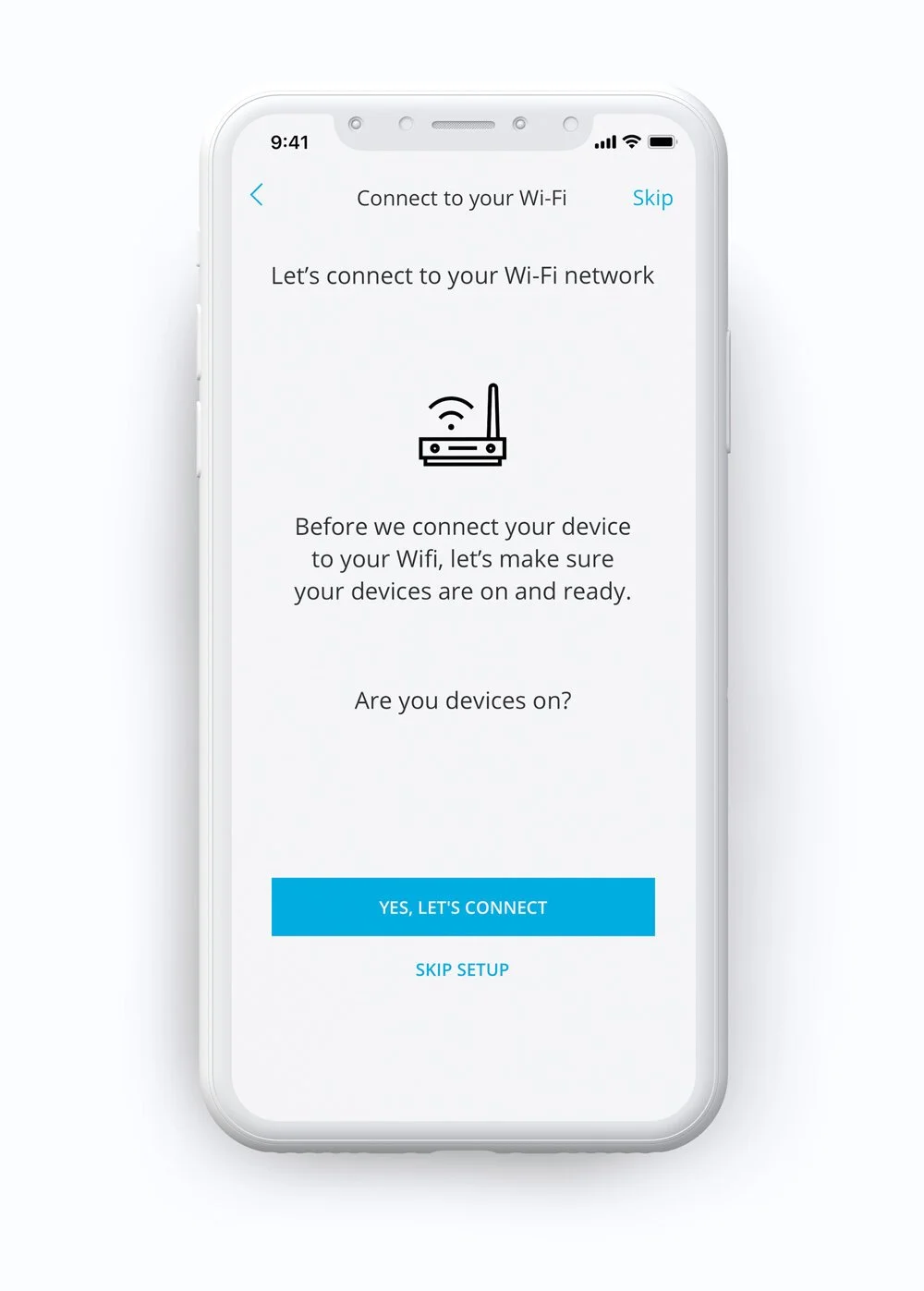
I designed the setup around the homeowner’s actual stove. The flow identified burner count and fuel type, asked the user to photograph a physical knob, assigned that knob to the corresponding burner, and connected it to Wi-Fi. This gave each digital control a direct relationship to the hardware in the kitchen.
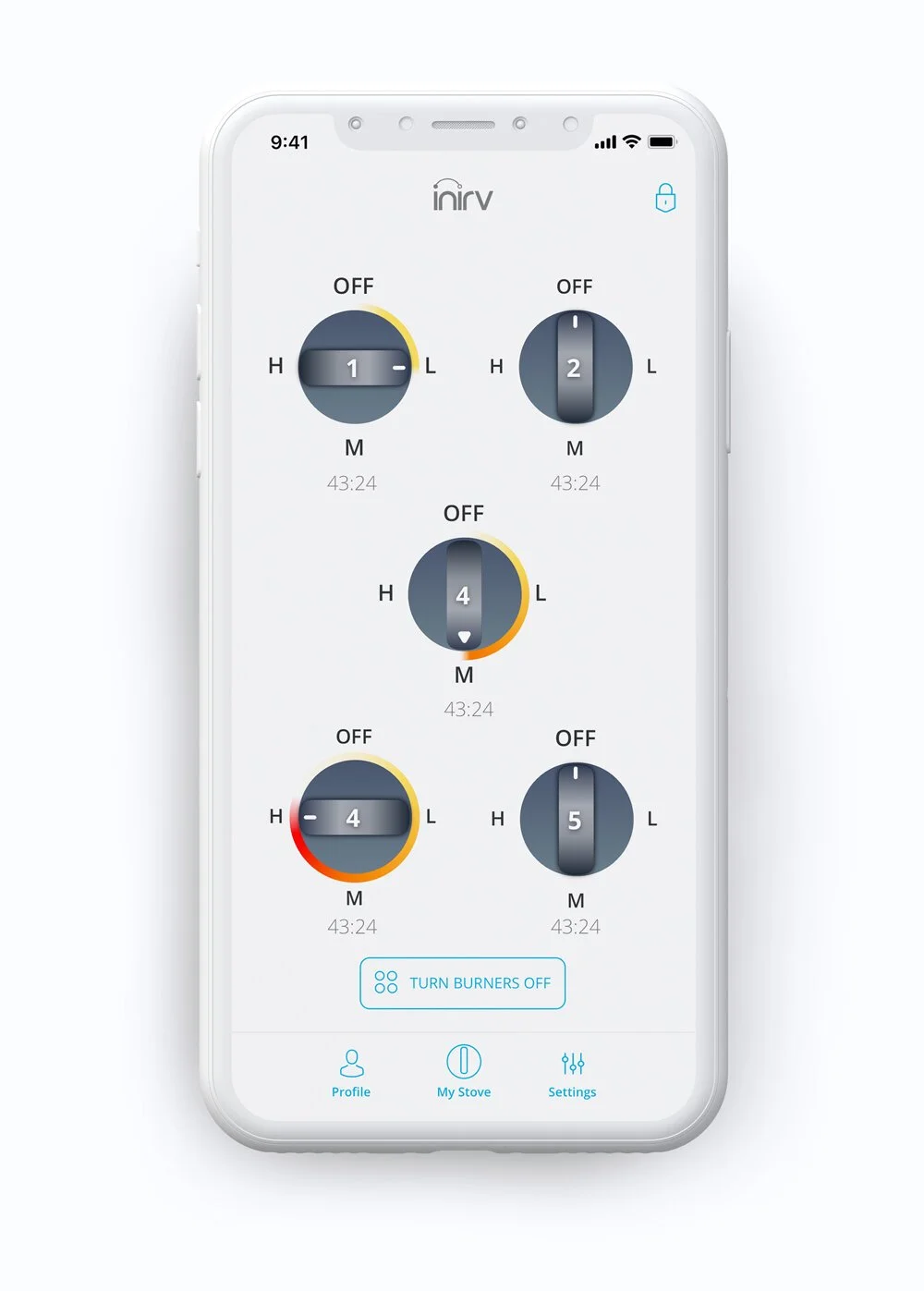
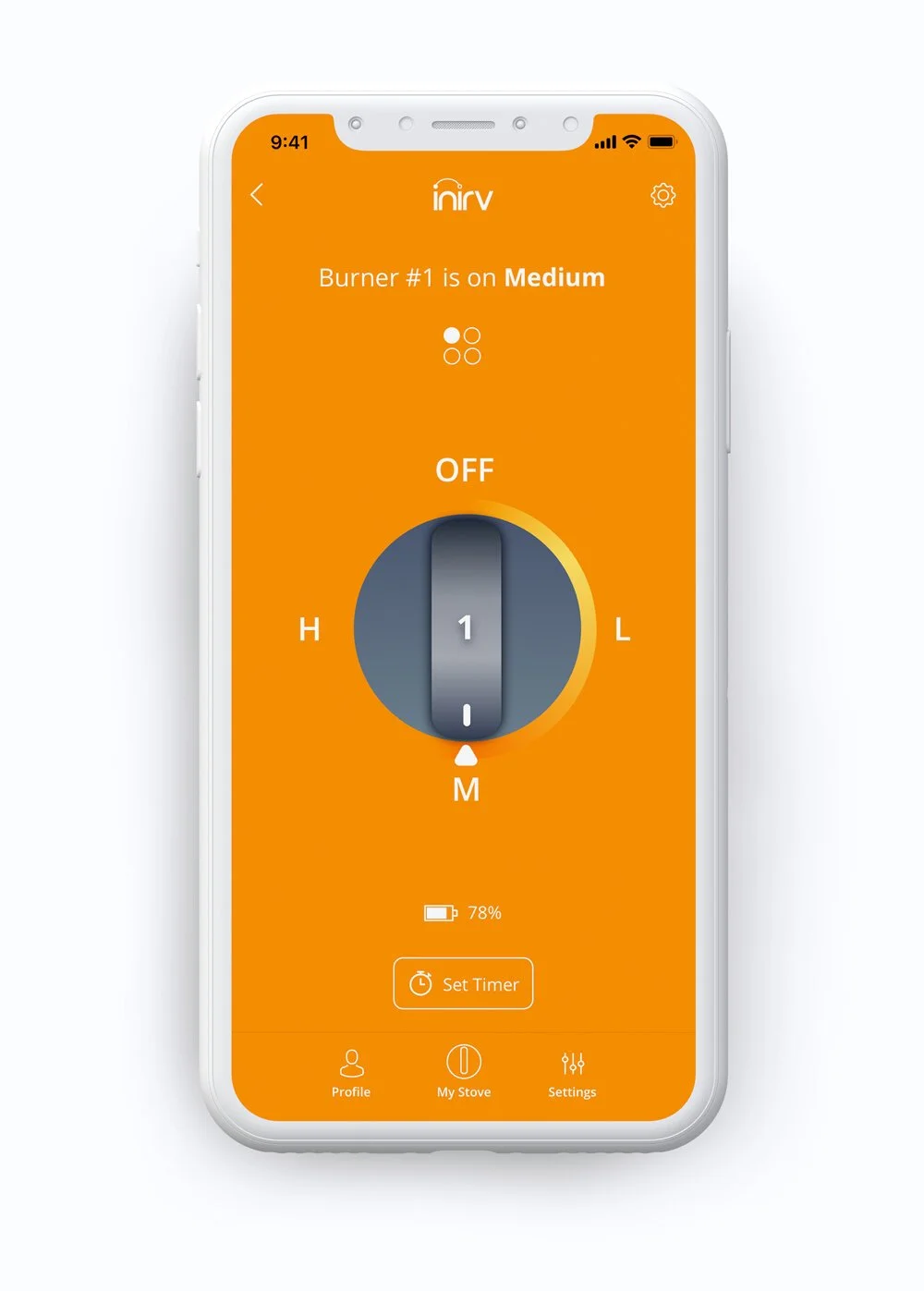
The dashboard brought all connected knobs into one place, showing their current state, connection or charging status, and options to add or manage knobs. Opening a knob moved into a focused control view where the visual treatment changed with the selected setting, including low, medium, and high, so the app reflected the same feedback people expect from a physical control.
The work produced an updated end-to-end mobile design and interactive prototype for the connected-knob experience.